

Log it in seconds
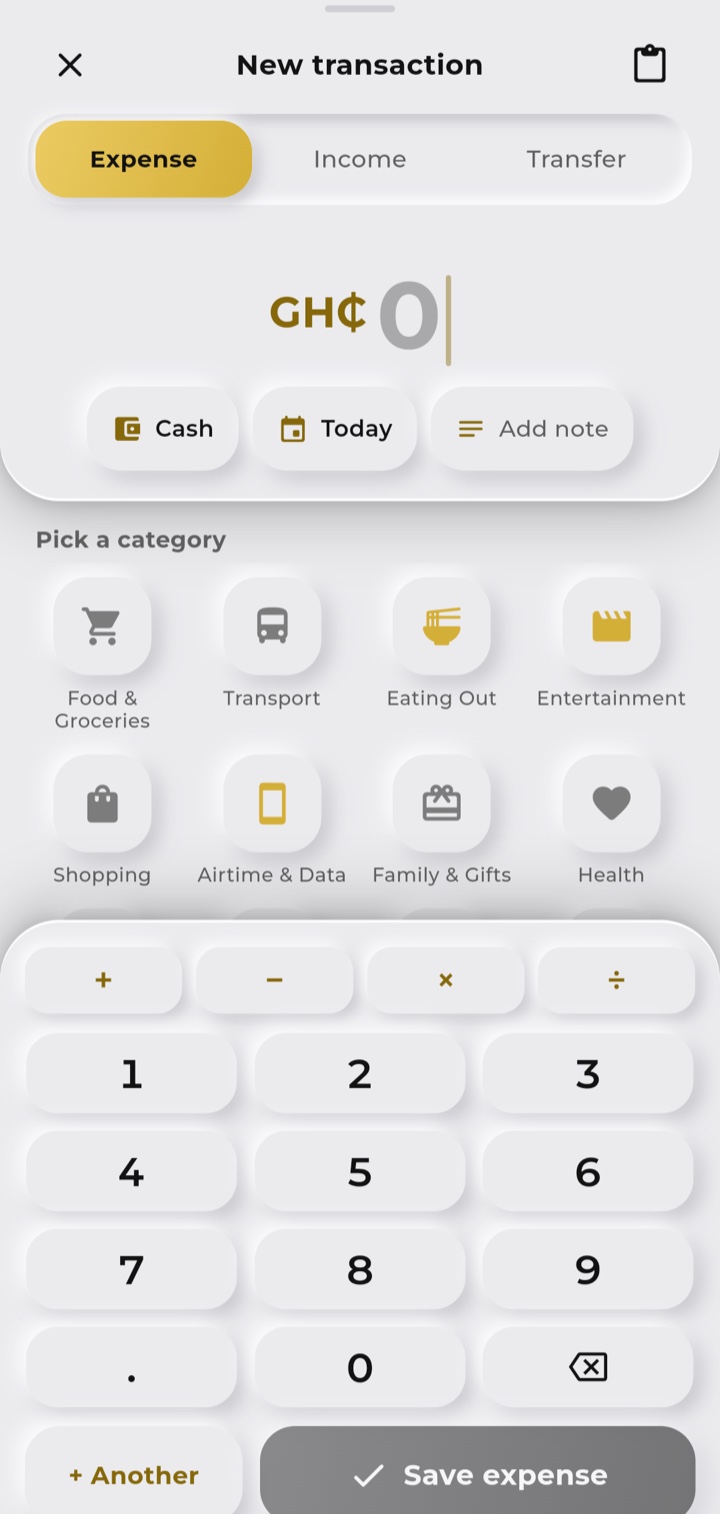
Type an amount, tap a category, done. One-tap save, repeat chips for the things you log every week, quick maths right in the amount box (12 + 8.50), and an Undo when you slip.
Apps · Android
Personal finance that keeps up with you.
A fast, offline-first money app for Android. Log a transaction in seconds, plan budgets, track mobile money and see where it all goes - with your data staying on your phone.
MoneyTrack is a personal finance app built for the way money actually moves in Ghana: cash, mobile money and bank accounts, all in one place.
Logging should never feel like homework, so every flow is designed around speed: most entries take a few taps and a few seconds. Underneath that simplicity is real depth - budgets with rollover, recurring bills, savings goals, debts and a forecast for the month ahead - kept out of your way until you need it.
It is offline-first, so it is fast and works anywhere, and your money data stays under your control.
Type an amount, tap a category, done. One-tap save, repeat chips for the things you log every week, quick maths right in the amount box (12 + 8.50), and an Undo when you slip.
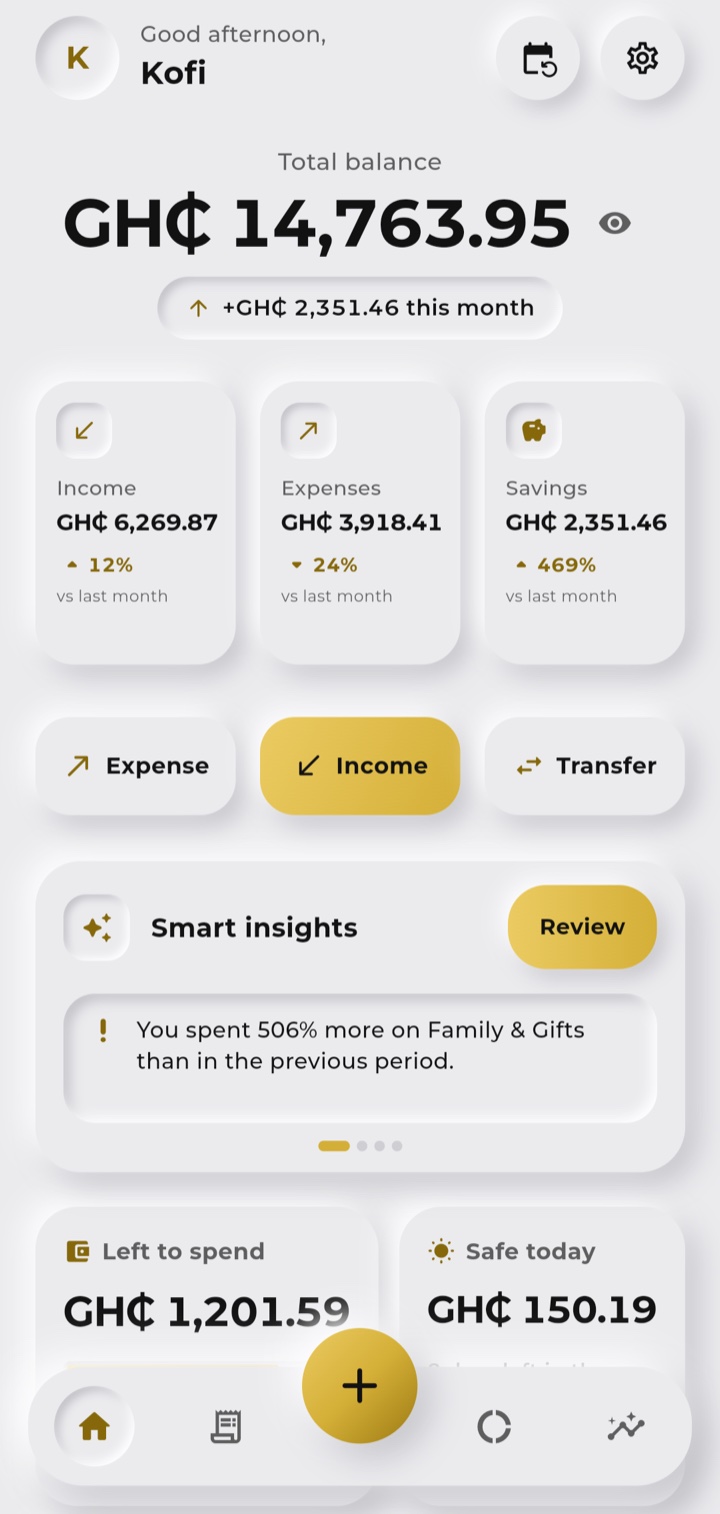
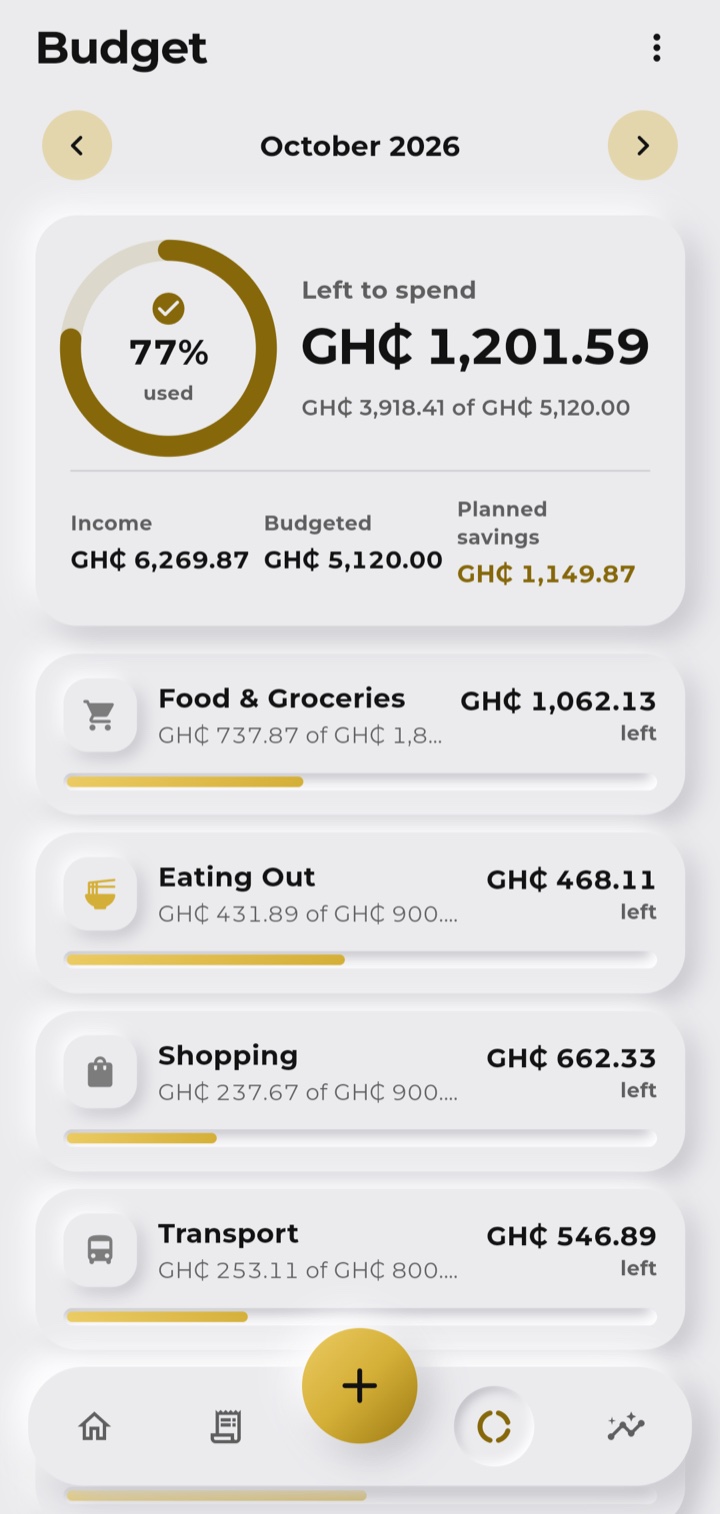
See what is left to spend and what is safe to spend today. Unused budget can roll over, and a month-end forecast tells you where you will land before you get there.
Share or paste an MTN MoMo, Telecel Cash, AT Money or bank alert and MoneyTrack reads the amount, fee and who it was with. Turn on notification reading and they arrive on their own, never twice.
Cash-flow charts, category breakdowns, comparisons with last month and a financial-health score, with plain-language tips on what is changing.
Track subscriptions and recurring bills with reminders before they are due, set savings goals, and keep a clean record of money lent or borrowed.
Your data lives on your phone and works fully offline. Backup and sync across devices go through your own Google Drive, not our servers. Lock it with a PIN or biometrics, and export to CSV any time.
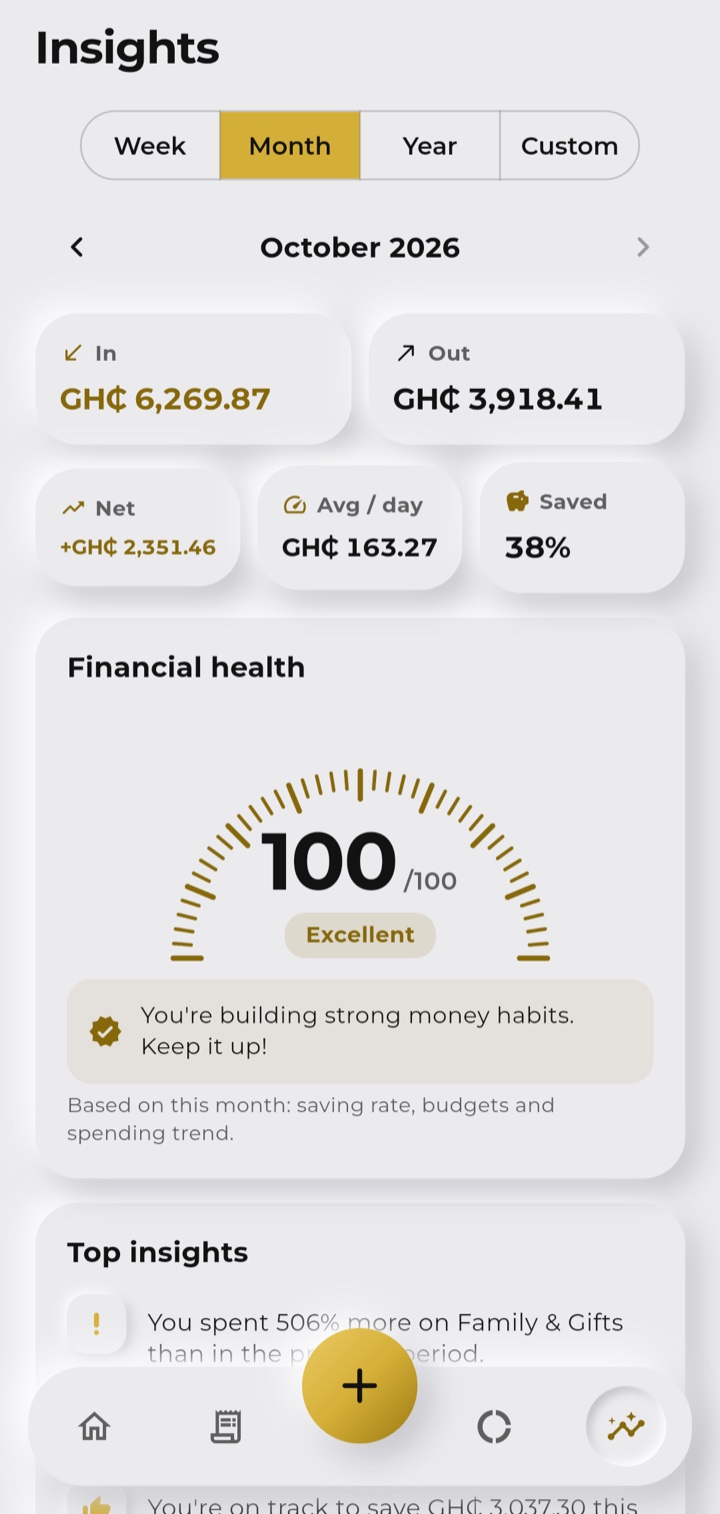
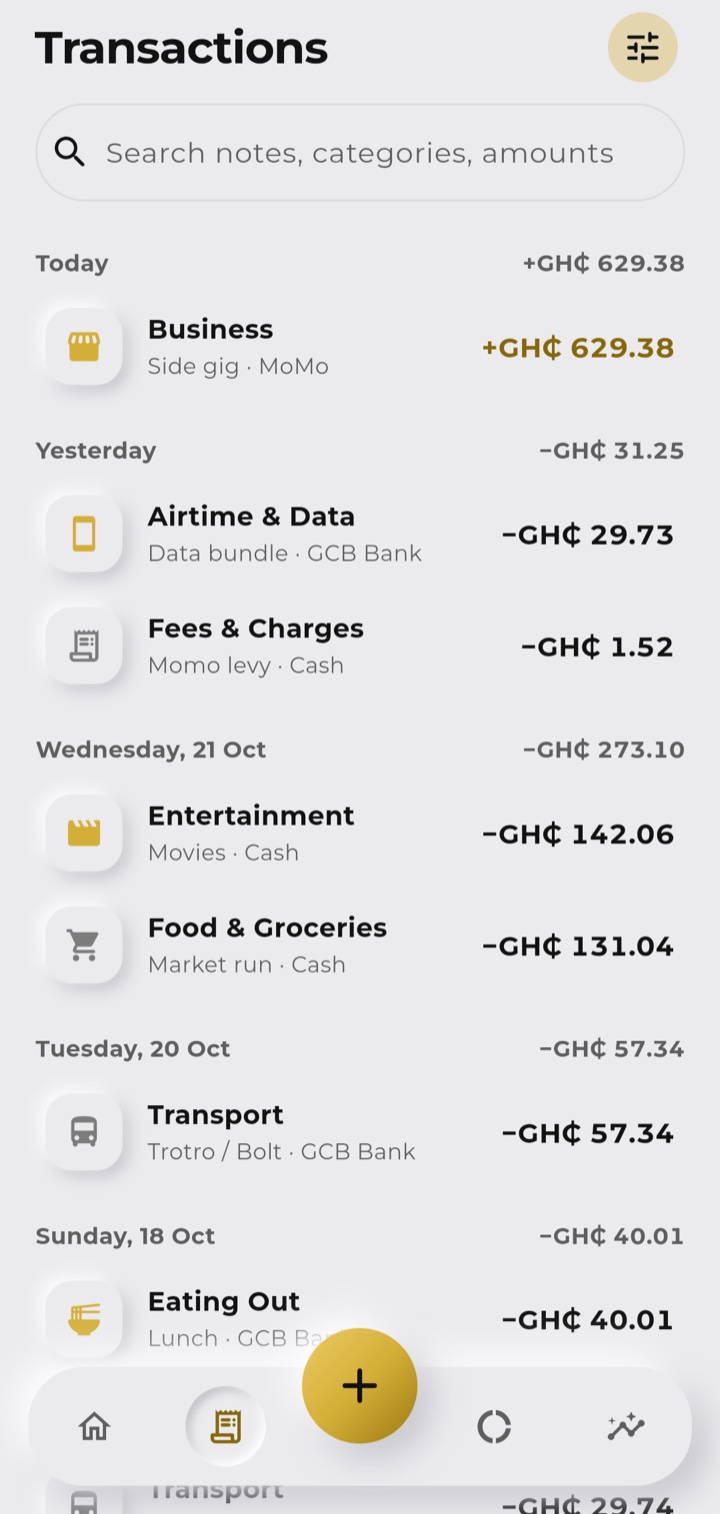
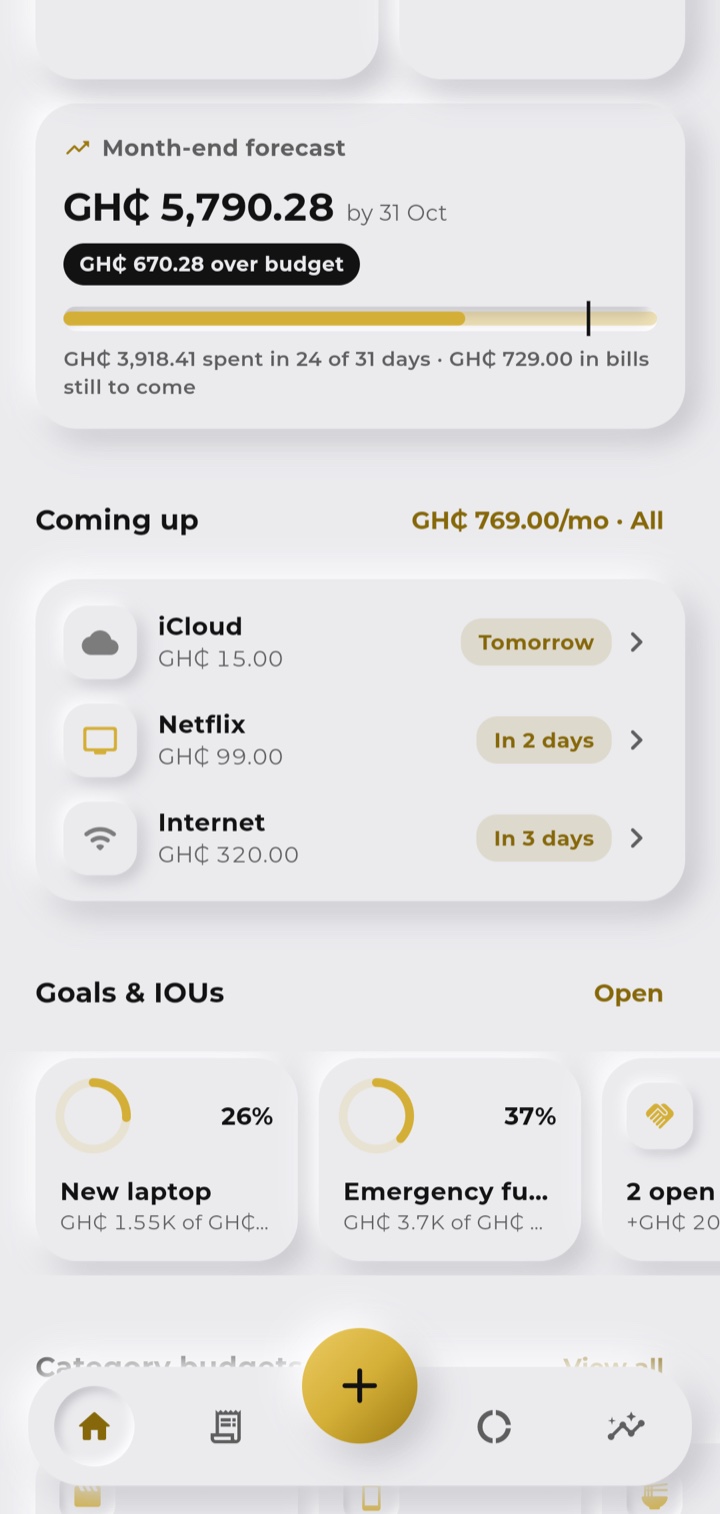
MoneyTrack is shared directly as an APK while the Google Play listing is on its way. It is a standard Android install, and each phone unlocks with a one-time access code.
Tap Download APK on your Android phone and let the file finish downloading.
Open the file. If Android asks, allow installs from your browser or Files app - that's normal for apps shared outside Google Play.
MoneyTrack asks for a code the first time you open it. No code yet? Tap "Don't have a code?", send your name and email, and we'll approve it. Each code unlocks one phone.
Set your name, currency and first account, then log your first transaction.
eca127dd3f5d8128670327036420ce2a5016c19d483c80a9db09736152858bdd Tell us about your brand and what you're trying to achieve.